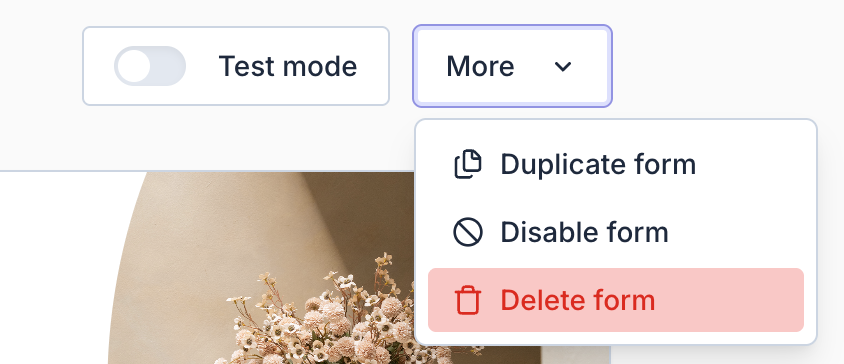
Delete form
When you delete a return form, it will be permanently removed along with all related data.
Important: This action cannot be undone, so make sure you no longer need the form before confirming.
Tip: If you don’t want to delete the form permanently, you can temporarily disable it instead.
Accessing Form
To view and manage your return forms:
- Open the Return panel.
- Navigate to Settings > Return forms > open the settings of your form
- Click "More"
- Click "Delete form" to proceed.