Login to your account
In this article:
- Forgot your password?
- Login with two-step authentication (2FA)
- If you no longer have your 2FA device or recovery code
To access your account, go to the Login page, then enter your email address and password.
You can also sign in using your Google or JTL account.
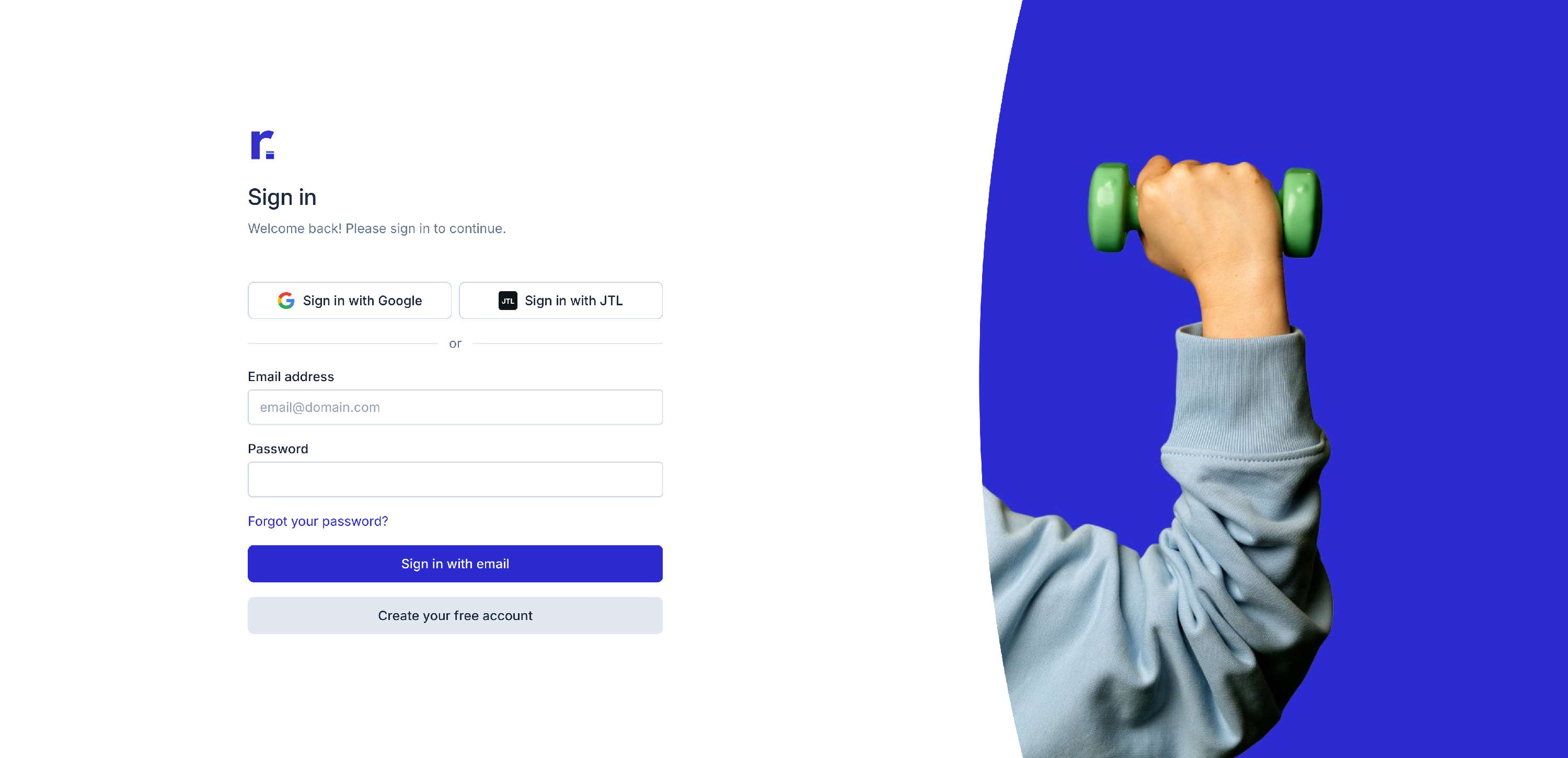
Forgot your password?
If you receive a password reset email you did not request, do not click the link.
Always verify the sender is @returnless.com. If not, contact Support as it may be a phishing email.
If you forgot your password, you can reset it:
- Go to the Forgot password page.
- Enter your email address.
- If an account exists for that email, we’ll send an email with instructions to reset your password.

Login with two-step authentication (2FA)
If two-step authentication is enabled and your session is expired or unrecognized, you’ll be asked to confirm your identity.
- Enter the 6-digit code generated by your authentication app to continue.

If you no longer have your 2FA device or recovery code
There are two ways to regain access depending on what you still have available.
If you still have your recovery code
- Sign in using your email address and password.
- When prompted for your authentication code, click “Or use a recovery code”.
- Enter your recovery code to disable two-step authentication.
Your recovery code was provided when you originally set up 2FA or last regenerated one.
If you do not have your recovery code
If you no longer have access to your 2FA device and recovery code, please contact Support.
After verifying your identity, our team can temporarily disable 2FA so you can regain access to your account.