User preferences
In your Returnless account, you can customize your personal user preferences to tailor your experience in the Return Panel. These settings apply only to your user account and do not affect other team members.
In this article:
Accessing User Preferences
- Log in to your Return Panel.
- Click your Name in the top-right corner to open the Account menu.
- Select My Account.
- Navigate to the Preferences tab.
Return Preferences
Default Notes Visibility
You can choose whether notes you create should be visible to customers by default.
- Activate the toggle to make new notes customer-visible automatically.
- Deactivate it if you prefer notes to be internal unless you manually choose otherwise.

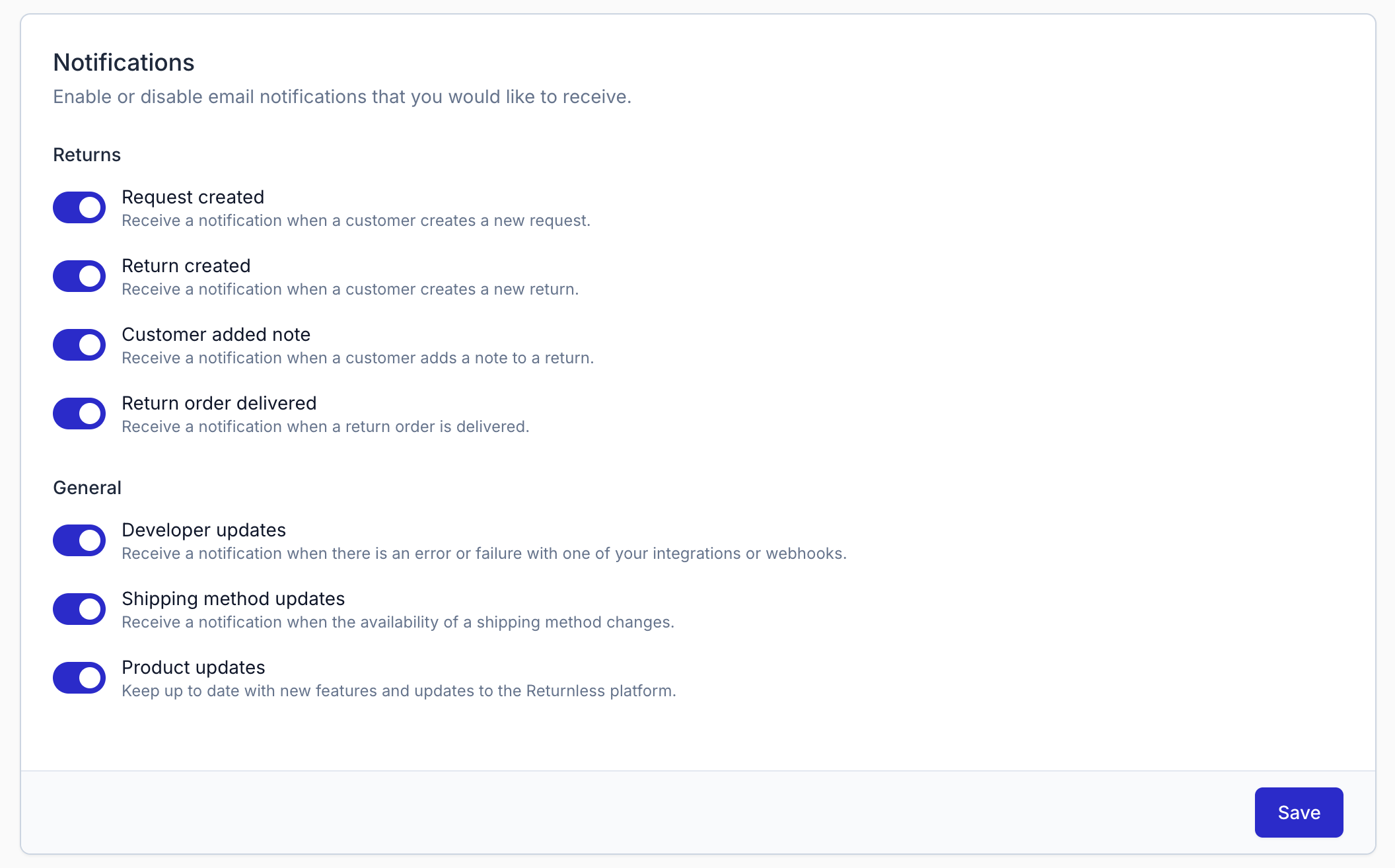
Notifications
You can decide which email notifications you want to receive from Returnless.
Available Notifications
| Name | Description |
|---|---|
| Request created | Receive an email when a customer creates a new request. |
| Return created | Receive an email when a customer creates a new return. |
| Customer added note | Receive an email when a customer adds a note to a return. |
| Developer updates | Receive a notification about errors or failures related to integrations or webhooks. |
| Product updates | Stay informed about new features and improvements within the Returnless platform. |