Return number formatting
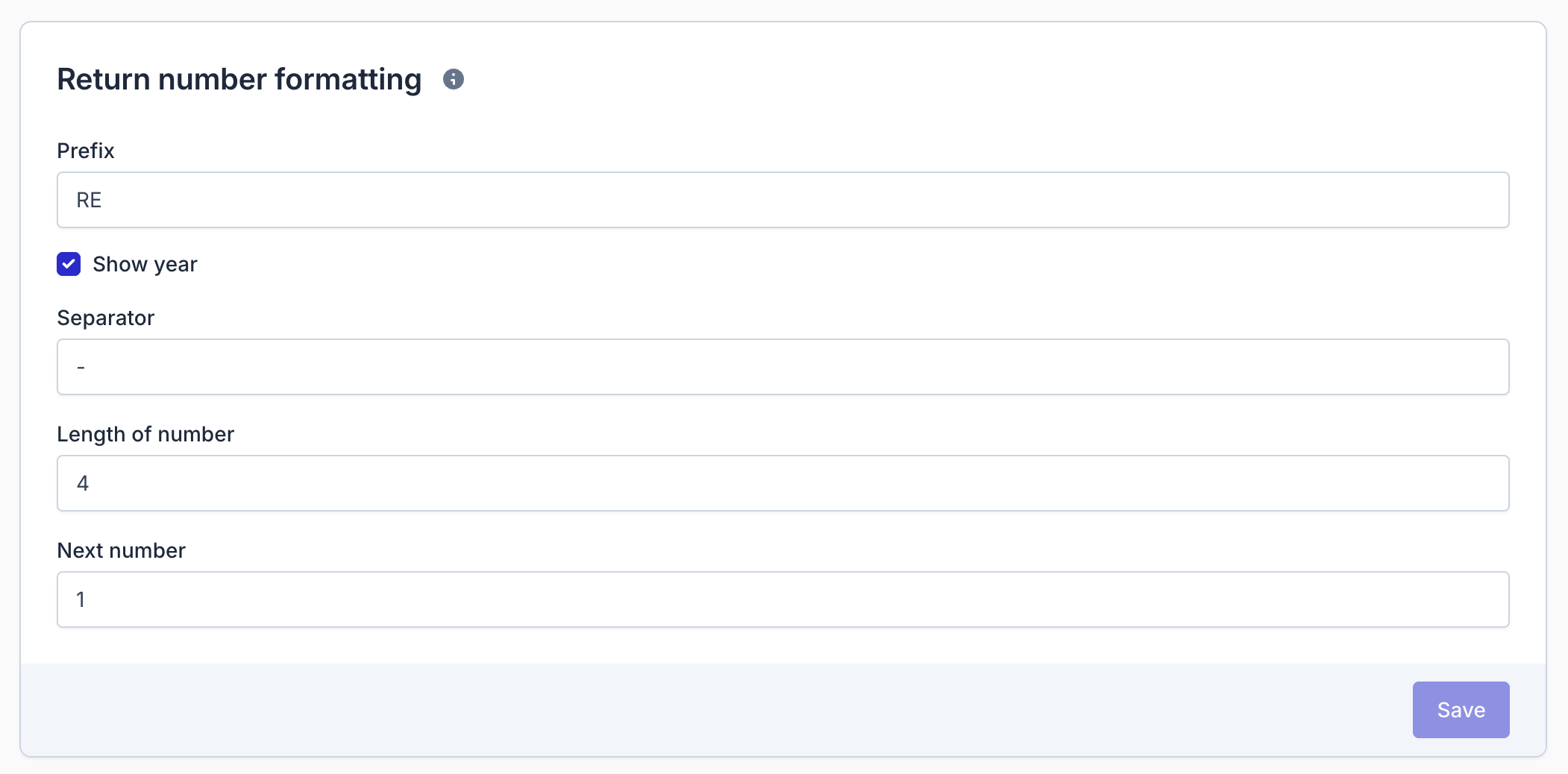
Returnless allows you to configure how return numbers are generated, giving you full control over the structure, readability, and consistency of your return identifiers. Each return number is created based on a set of customizable parameters. You can edit this in the General settings.
In this article:
Return Number Parameters
Return numbers are composed using the following elements:
| Parameter | Description | Example |
|---|---|---|
| Prefix | An optional prefix displayed before the return number. | RE- |
| Show year | Adds the current year after the prefix when enabled. | Yes |
| Separator | A character that separates the prefix/year from the return number. | - |
| Length of number | The minimum length of the return number. If the number is shorter, leading zeros are added. | 4 |
| Next number | The number that will be assigned to the next created return. This increments by 1 each time a new return is submitted. | 123 |
Example Output
Using the example settings above, the formatted return number would look like:
RE-2026-0123