Sendcloud platform integration
By connecting a Sendcloud web store to Returnless, you can easily set up a return form for your web store. Returns that are created can then be easily, automatically processed.
This platform integration enables you to retrieve order data from Sendcloud. If you're planning to use Sendcloud to create shipping labels for your return shipments, we also provide a Shipping Integration for Sendcloud.
In this article:
Features
| Feature | Available |
|---|---|
| Search order | ✅ |
| Create coupon | ❌ |
| Create refund | ❌ |
| Create gift card | ❌ |
| Create return | ❌ |
| Return importer | ❌ |
How to install
Adding the integration in Sendcloud
To enable communication between Sendcloud and Returnless, you need to create an integration in Sendcloud first.
- Login to your Sendcloud account and navigate to the Settings menu.
- Click the Integrations tab.
- Find the Sendcloud API and click the Connect button.
- Enter the following details:
| Setting | Value |
|---|---|
| Name | Returnless platform integration |
| Webhook feedback enabled | True |
| Webhook URL | https://webhooks.returnless.com/sendcloud/webhook |
- Save the integration. A Public Key and Secret Key will be generated, which you will need in the next step.
Adding the integration in Returnless
To add a new integration with Sendcloud, follow these steps:
- Login to your Return panel
- Navigate to the Integrations menu.
- In the Platform integrations tab, click the Add new integration button to add a new Sendcloud integration.
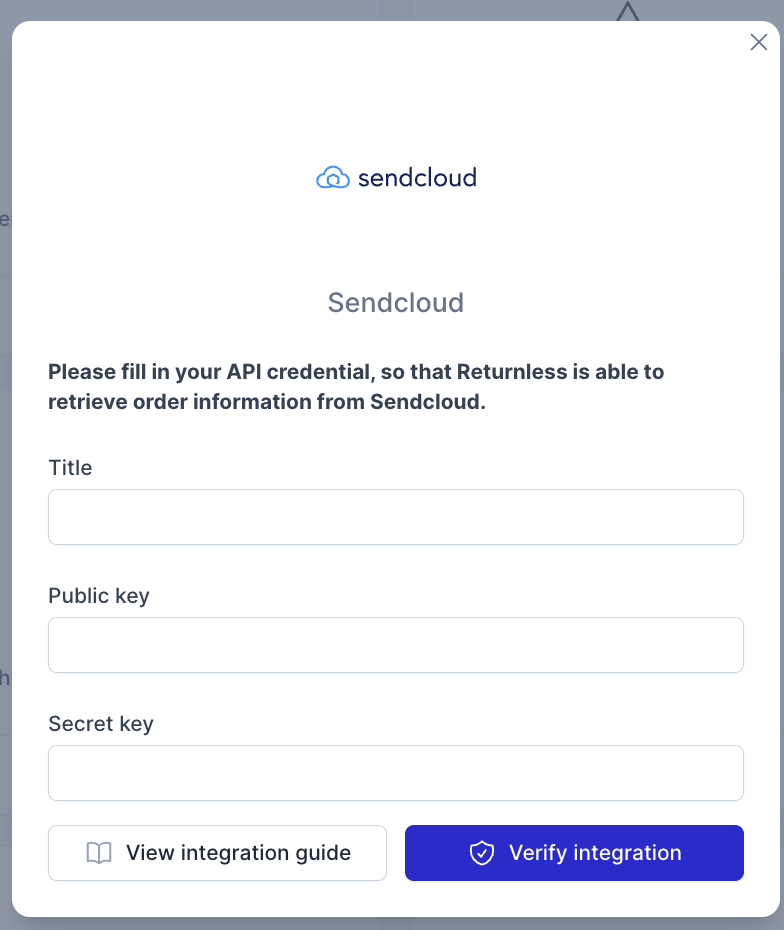
- In the modal, enter the details of the integration, which you've created in the previous step.
Settings
Here are the configurable settings for your Sendcloud integration:
| Configuration | Description |
|---|---|
| Order Suffix | Define here the order suffix to be used during order search |
| Validation Method | Define here how to validate the customer's order, available option: Email Address |
| Search Field | Choose which field in your Sendcloud integration will be used for searching orders, available options Order Number or External Reference |