ItsPerfect
By connecting your ItsPerfect store to Returnless, you can set up a branded return form and automatically pre-announce returns in ItsPerfect's return module.
Note: The Create Return feature requires the ItsPerfect return module to be active on your account. Contact your ItsPerfect account manager to enable this. Without it, Returnless can only look up orders — returns cannot be pre-announced.
In this article:
Features
| Feature | Available |
|---|---|
| Search order | ✅ |
| Create coupon | ❌ |
| Create refund | ✅ |
| Create gift card | ✅ |
| Create return | ✅ |
| Return importer | ❌ |
How to install
Step 1 — Set up API access in ItsPerfect
The integration uses the ItsPerfect v3 API. Follow these steps to generate credentials:
- Log in to your ItsPerfect portal.
-
Open the App Store and install the Returns portal app.
-
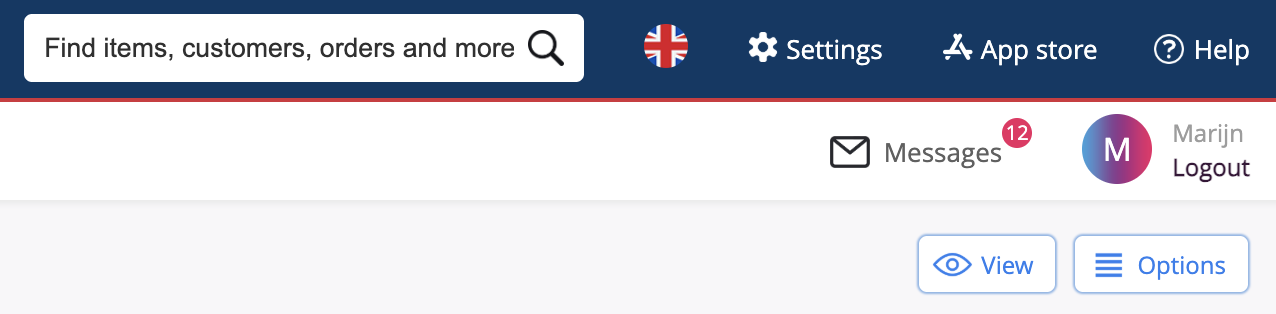
In the top bar under Apps, open the Returns portal.

- Add a new External return portal.
- Once that is done go to Settings > API.
- Add a new API entry.
-
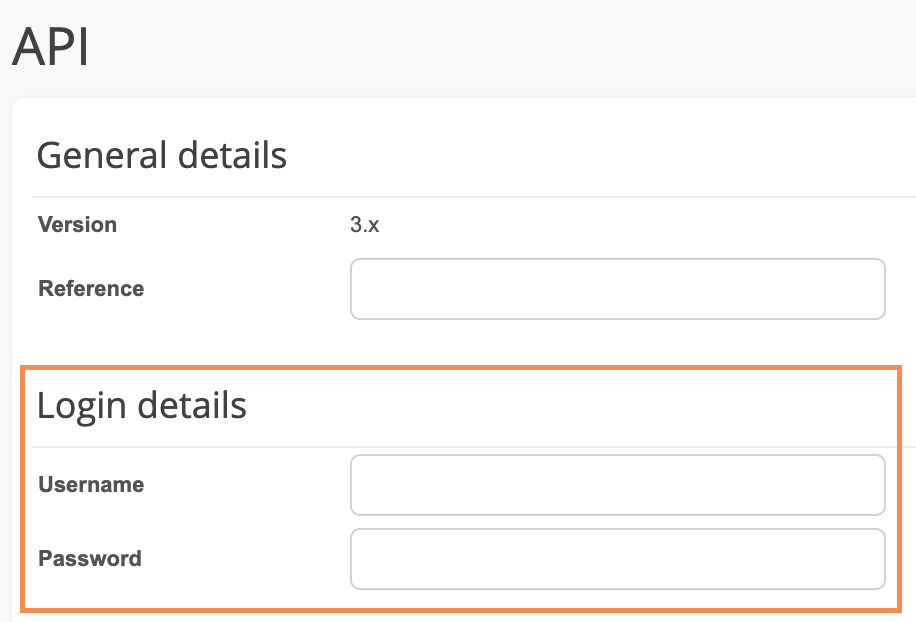
Fill in all the fields and make note of your API username and password, you need this later.
- Under Selection > Type, select the Returns portal.
- Save.
-
When the API key is created, click the button 'Permissions'.

Step 2 - Set the permissions
Do this before going back to the Returnless portal.
Permissions to set:
-
View
sales_orderssales_orders/{id}/linescustomerscustomers/{id}/addressesitems/{id}/colorspicks-
reasonsView & Add: sales_return_pre_announcementssales_return_ordersgiftcards(turn on only if you're using store credit refunds with ItsPerfect giftcard)
Step 3 - Add the integration in Returnless
- Log in to your Returnless panel.
- Go to Settings > Integrations.
- Click + Add new integration.
- Select ItsPerfect.
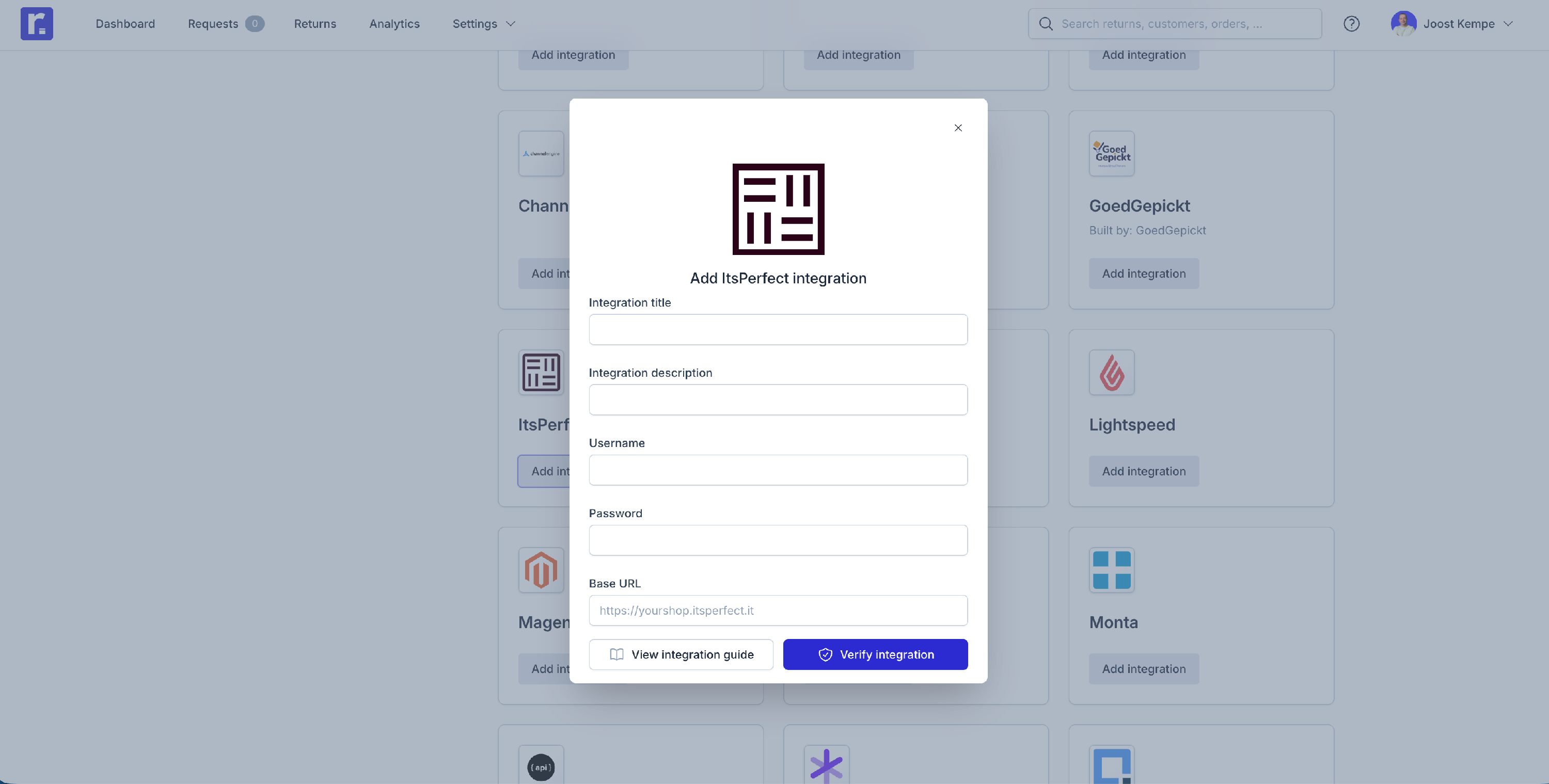
- Fill in the following fields:
| Field | Description |
|---|---|
| Integration title | A name to identify this integration (e.g. "ItsPerfect – Main store") |
| Integration description | Optional |
| Username |
The API username from ItsPerfect (this is not your ItsPerfect login but the API credentials created above during Install step 7.) |
| Password |
The API password from ItsPerfect (this is not your ItsPerfect login but the API credentials created above during Install step 7.) |
| Base URL | Your ItsPerfect store URL (e.g. https://yourshop.itsperfect.it ) |
Integration settings
Here are the configurable settings for your ItsPerfect integration:
| Setting | Description |
|---|---|
| Validation method | How to validate the customer's order. Available option: Email address |
| Order search method | Which field to use for order lookup: Webshop order ID or Reference |
| Return reason mapping | Map your ItsPerfect return reasons to Returnless return reasons. Used when sending a return back to ItsPerfect. |
How it works
When a return order is created in Returnless, a pre-announcement can be sent to the ItsPerfect return module. This can be done manually or automated via our Automations feature. ItsPerfect then handles the further processing — including financial settlement — on their side.
Resolution type
ItsPerfect uses the resolution type from the return to determine how to process it (refund, store credit, exchange, etc.). You can automatically capture the customer's preferred resolution by adding a Resolution type return question to your return form in Returnless.
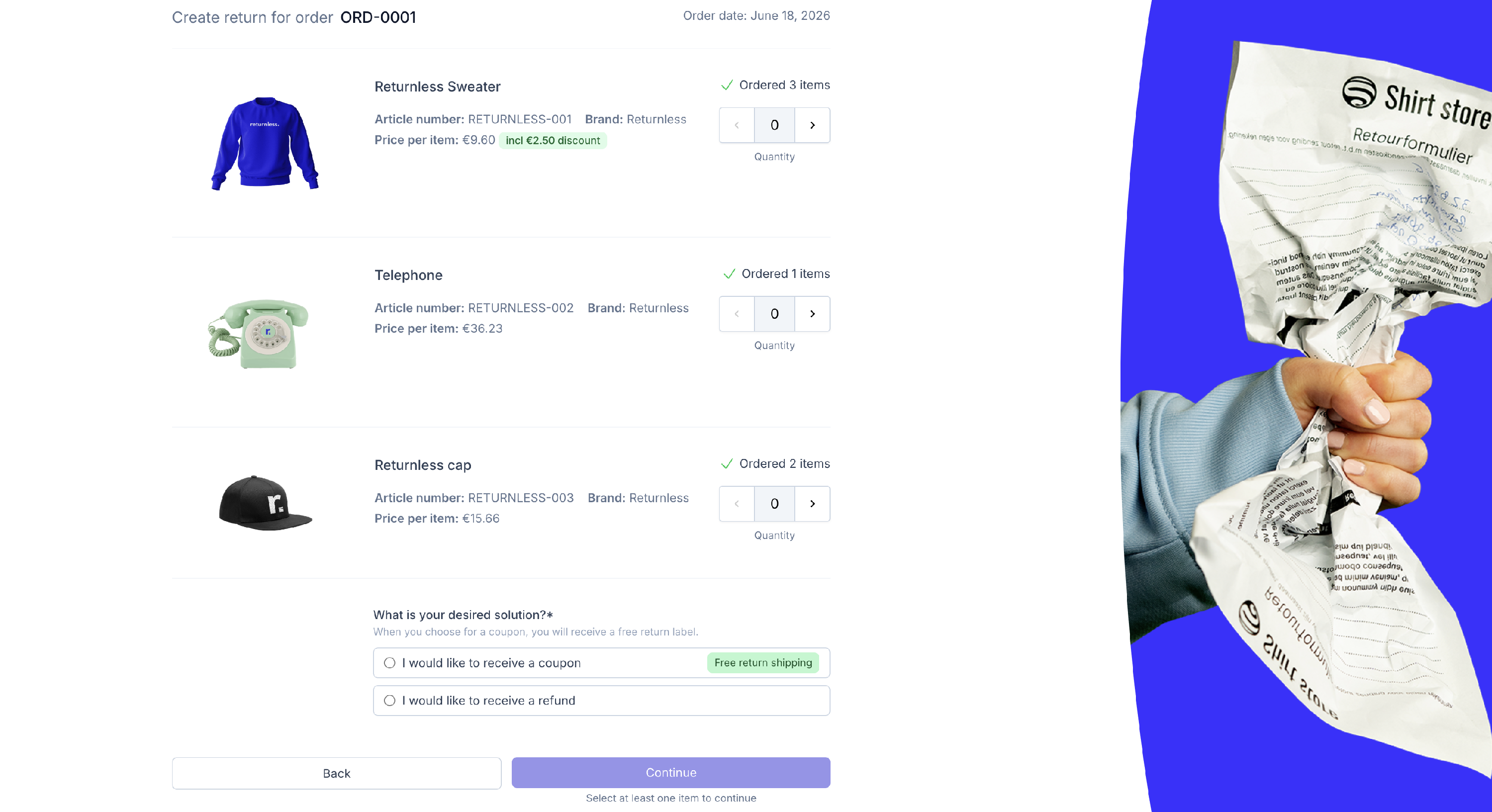
To set this up, go to Return form > Return questions and add or configure a question with input type Resolution type. Once configured, the selected resolution is automatically passed to ItsPerfect with every return pre-announcement.