Custom shipping methods
If you want to use your own carrier that is not available in Returnless by default, you can add Custom shipping methods. This allows you to offer any external carrier or transport option within your return form.
To activate a custom method, you must first add an Custom shipping integration to your Returnless account.
Adding a Custom shipping method
Follow the steps below to create a new custom shipping method:
- Log in to your Returnless panel.
- Navigate to Return forms in the left-side menu.
- Open the return form where you want to add the custom method.
- Go to the Shipping methods tab.
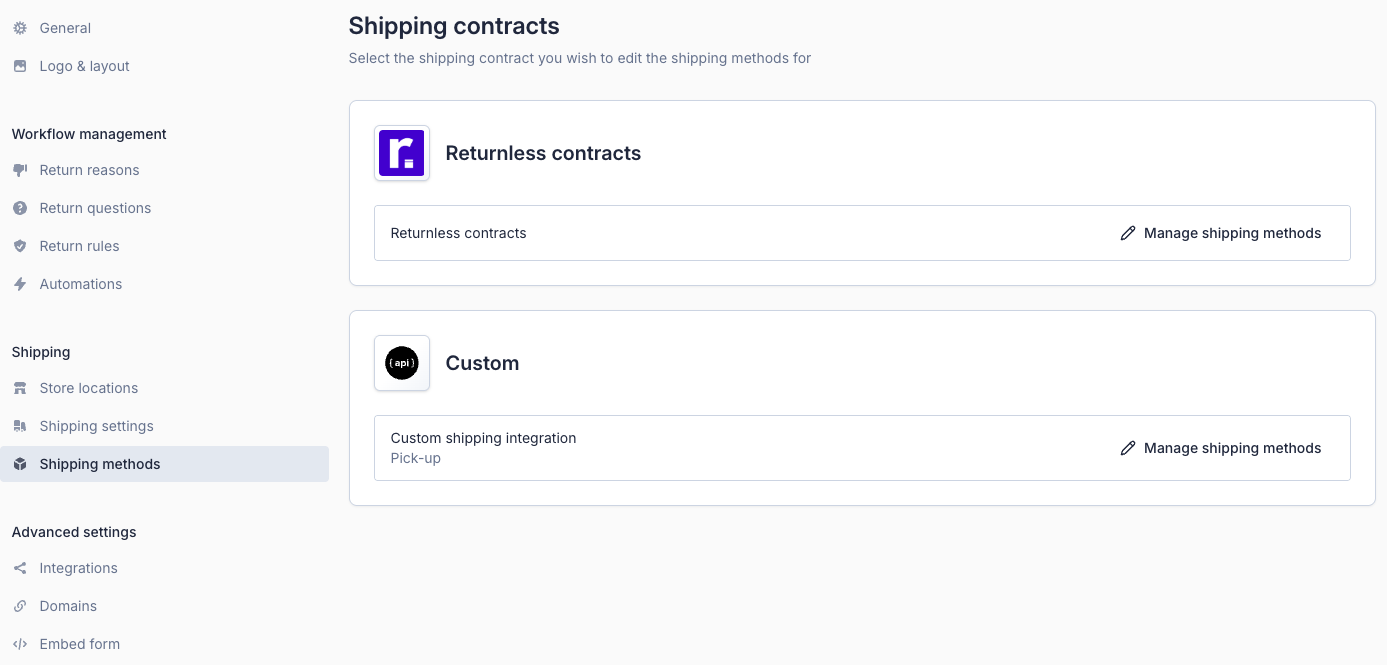
- Click on manage shipping methods for the Open shipping integration that you've added to your account.
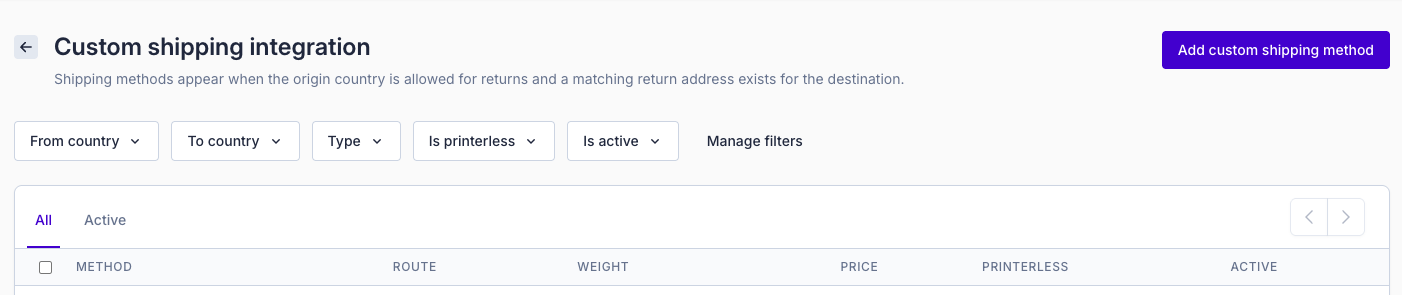
On the next page, an overview of your shipping methods is shown. Click Add custom method to add a new method.
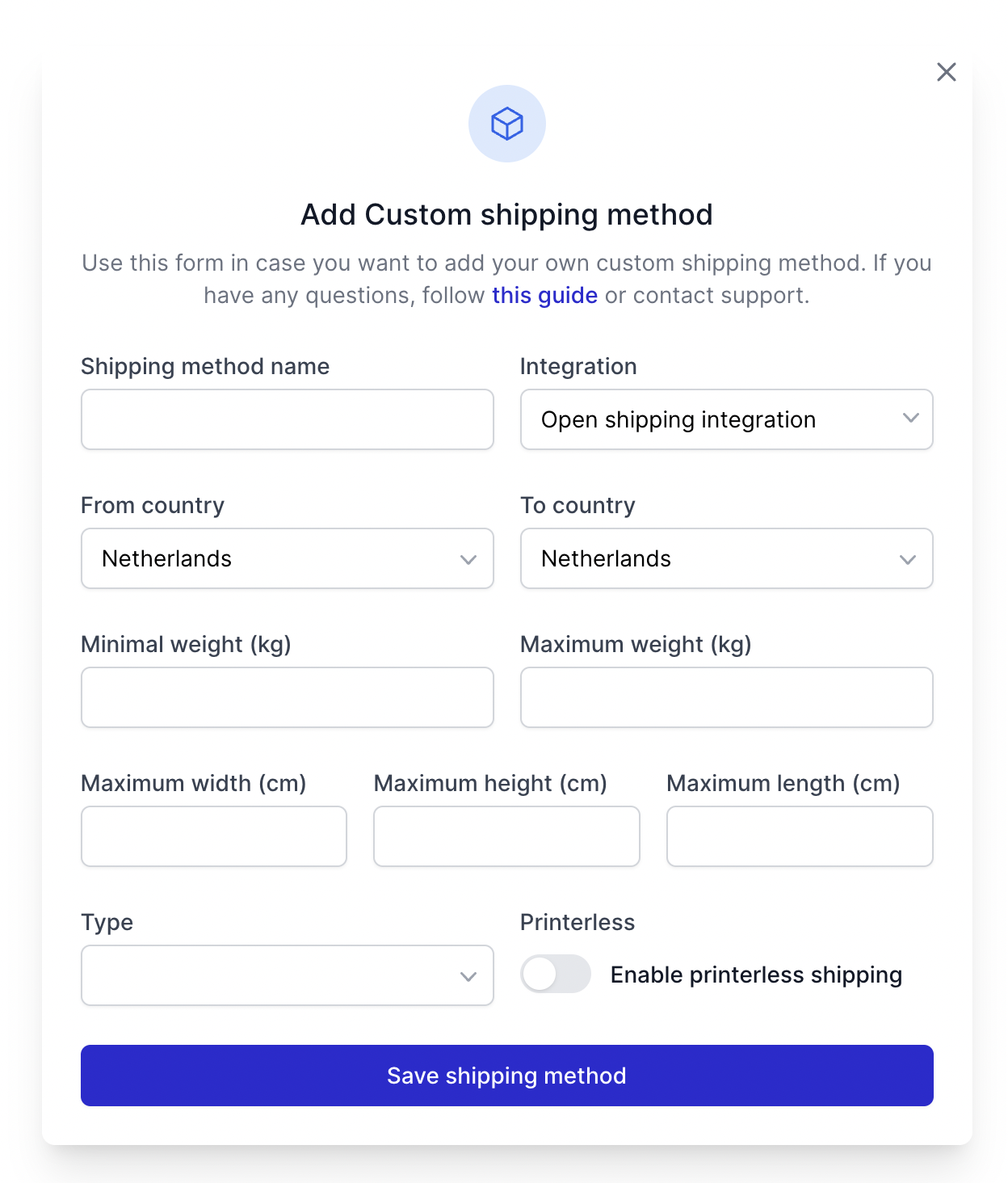
A modal window will appear where you can enter the details of your new custom shipping method, including:
- Method name
- Route (From → To country)
- Weight and dimension limits
- Return address
- Price shown to the customer
- Optional instructions (e.g., how to hand over the parcel)
After saving, the custom shipping method will be added to the list and can be enabled or disabled just like any other method.